Twitter Spaces can feel like a conversation you were lucky to catch live — and then it's gone. A twitter live recorder changes that math: it captures the audio, keeps it in a format you can replay, and quietly turns a one-time event into something you actually own.
That matters more than most people realize, especially if you run a community, research online conversations, or repurpose audio into other formats. Below is a plain-English look at how these tools work, when they're worth the effort, and the habits that separate a clean archive from a folder full of broken files.

Why Spaces Vanish Faster Than You Think
X Spaces are ephemeral by design. Once the host ends the session, the audio leaves the app. There's no built-in rewind button, no permanent library, and no download link waiting for you the next morning. If you missed the first ten minutes because your phone rang, that context is simply gone.
For casual listeners, that's mildly annoying. For anyone treating Spaces as a source of information, it's a real problem. Panel discussions with policymakers, product founders answering hard questions, community leaders addressing a crisis — these are the kinds of conversations people reference weeks later. Except they can't, because nothing was saved.
The core value of a recorder isn't convenience; it's continuity. It closes the gap between a live moment and a usable record, which is exactly the gap most people fall into when they try to rely on memory or scattered notes.
What a Twitter Live Recorder Actually Does
Strip away the marketing language and a recorder does three jobs: it taps into the audio stream, it converts that stream into a stable file, and it hands that file to you in a format you can move around. Each step has its own quirks.
Capturing the Audio Stream
When you join a Space, the app is already pulling audio down to your device in real time. A recorder essentially listens to that same stream and writes it to memory instead of letting it evaporate. Some tools capture the entire room mix — host, speakers, and co-hosts together. Others can isolate tracks, which is far more useful if you plan to edit or transcribe later.
This is where quality differences show up fast. A weak recorder fights the stream, drops frames of audio, or introduces pops when someone joins or leaves. A solid one stays steady even when the room has fifteen speakers and people muting and unmuting constantly. Stability under messy conditions is the real test, not how the tool behaves in a two-person test call.
From Stream to Saveable File
Raw captured audio isn't a file yet. It has to be encoded, which means compressing it into something like MP3 or M4A while balancing size against fidelity. Voice content is forgiving — you don't need studio-grade bitrates to make a panel discussion sound clear — but you do need consistency. A recorder that produces a 40 MB file one day and a 300 MB file the next is going to frustrate you eventually.
Good tools also handle the boring edge cases: what happens if your connection drops mid-session, whether the file gets finalized properly when you close the tab, and whether timestamps survive the export. These details rarely make it into feature lists, but they're the difference between an archive and a graveyard of unplayable fragments.
The Download Step Nobody Talks About
Saving audio to a cloud dashboard is only half the job. You still need to get it onto your machine, into your editing software, or into a shared drive. This is where many free tools quietly fall apart — they'll "save" your recording, then make you jump through hoops to actually retrieve it.
A clean download experience means one click, a sensible filename, and a file that opens in whatever player you already use. No proprietary formats, no forced logins on three different screens. If you're recording Spaces regularly, you want a workflow that takes seconds, because friction is what kills good habits.
Screen Recording vs. Audio-First Recording
A lot of people start by screen-recording their phone or desktop while a Space plays. It works, technically. It's also the slowest, messiest way to do it. Here's the honest comparison:
| Aspect | Screen Recording | Dedicated Audio Recorder |
|---|---|---|
| File size | Huge — video frames add up fast | Small, audio-only, easy to store |
| Audio quality | Depends on device mics and compression | Captured directly from the stream |
| Interruptions | Notifications, calls, and screen locks break it | Runs in the background without drama |
| Editing later | You must extract audio first | Ready for transcription or clipping |
| Battery and heat | Heavy, especially on phones | Noticeably lighter |
| Best for | One-off, visual content | Regular archival and repurposing |
If you only ever need to grab one Space, screen recording is fine. If you're doing this weekly, the extra weight becomes a tax you pay every single time. Audio-first capture is simply the more sustainable choice for anything beyond a hobby.
Who Actually Gets Value From Saving Spaces
Recorders get marketed to everyone, but they solve very different problems for different people. Knowing which camp you're in shapes what you should look for.
Journalists and Researchers
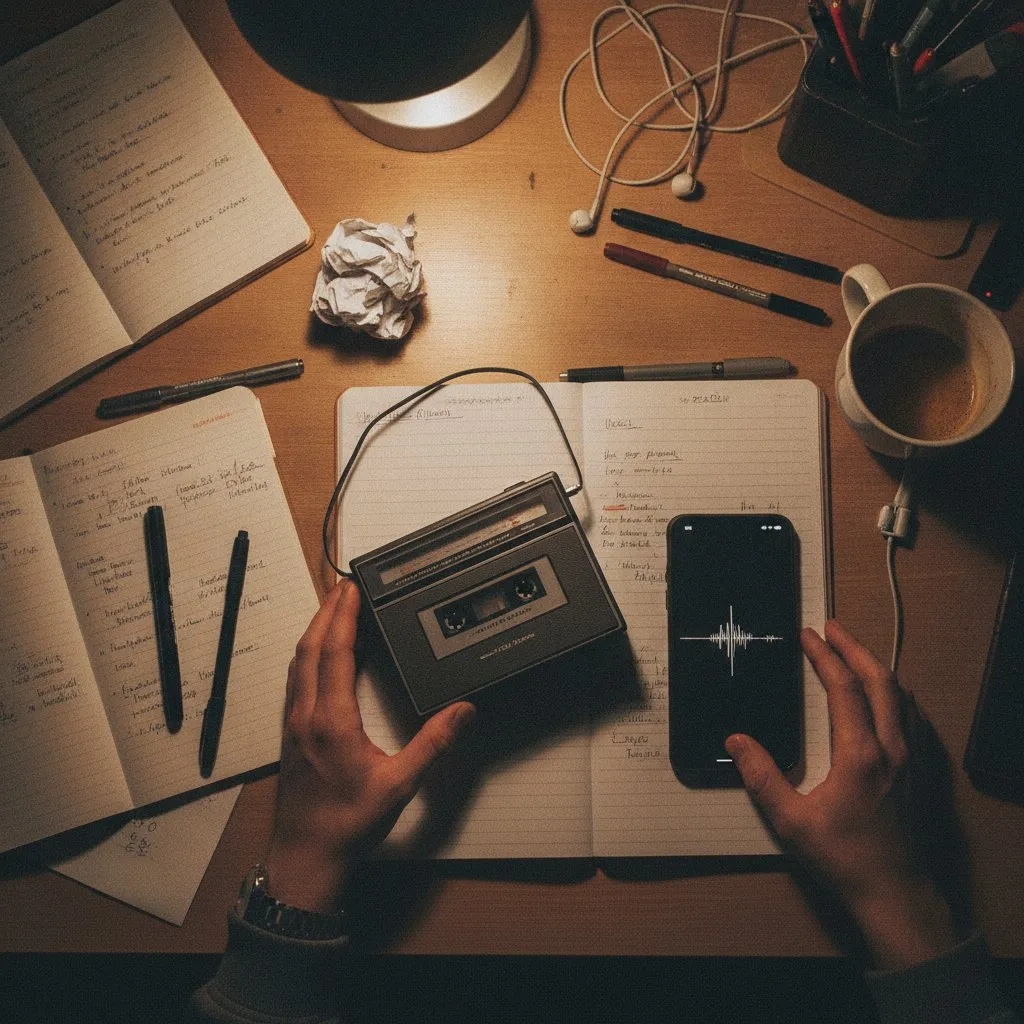
For anyone documenting public statements, a saved Space is a citation. You can go back, verify a quote, check the exact phrasing, and note the timestamp. Relying on a live listen and a hurried note is how misquotes happen. Audio you can replay is the difference between "someone said something like this" and "here's the moment, at 34:12."
Researchers studying online communities have an even stronger need. Spaces capture informal discourse that never makes it into threads or articles — the tangents, the disagreements, the way a host steers a conversation. That texture is often the actual research material.
Community Managers and Moderators
If you run a community on X, you're probably hosting or co-hosting Spaces regularly. Those sessions become reference material for members who couldn't attend. Recording them lets you share a replay link, pull out a key answer, or build a small library of past discussions that new members can browse.
There's also a defensive angle. When a session gets heated, having the actual audio protects you from distorted retellings. It's not about catching people out — it's about having a factual record that cools down drama instead of feeding it.
Creators and Content Repurposers
This group squeezes the most value out of every recording. One 60-minute Space can become a newsletter summary, a short clip series, a blog post, several quote graphics, and a podcast episode. None of that is possible if the audio only exists in the moment.
The math is straightforward: if you spend an hour hosting, you want that hour working for you for weeks. A recorder is what makes that possible.
Teams Doing Competitive Listening
Companies track what competitors say in public. Spaces are an underrated source — founders drop roadmap hints, product managers explain positioning, and support leads reveal how they think about customer complaints. All of it spoken, none of it written down.
For these teams, a recorder is research infrastructure. Sessions get saved, transcribed, and searched. Patterns emerge that no single live listen would reveal.
Recording Without Ruining the Room
Technical ability and social permission are two different things. You can record almost anything; whether you should is a separate question.
In most jurisdictions, recording a conversation you're part of is legal. Recording one you're not part of, or publishing it without consent, is a different story entirely. Public Spaces are generally treated more like a broadcast than a private call, but "generally" is doing a lot of work in that sentence.
A practical rule: if you wouldn't be comfortable telling the host, after the fact, that you recorded their session and why — don't record it. Or ask first. Most hosts say yes when the purpose is clear and the use is respectful.
Etiquette matters too. Don't clip a speaker mid-sentence to make them look worse. Don't publish a raw recording of someone processing something difficult. Don't treat a community conversation as free content for your channel without attribution. Recording is a tool; how you use it is a choice.
Timing and Setup Choices That Save You Later
Join a minute or two early. Not because the recorder needs it, but because you do — you want to confirm it's actually capturing before the good part starts. Check your storage, and if you're on mobile, plug in. A two-hour Space will eat your battery faster than you expect.
Label your files the moment they're saved. "Space_recording_final_v2.mp3" tells you nothing three months later. A date, the host name, and a short topic tag will save you hours of hunting.
Turning a Saved Space Into Something Useful
Once the audio is a file, the real work begins. Here's what people actually do with recordings:
- Transcription: Run it through a speech-to-text tool and you have a searchable document. Great for quoting, skimming, and pulling out pull-quotes.
- Clip creation: Cut the three best 60-second moments and post them as standalone audio or video snippets.
- Newsletter material: Summarize the main threads in writing for people who don't listen to audio at all.
- Podcast republishing: With host permission, a well-moderated Space can become an episode with minimal editing.
- Internal training: Teams use recorded expert sessions as onboarding or reference material.
- Personal notes: Some people just want to relive a conversation that mattered to them without depending on memory.
- Research archives: Longitudinal collections of public discussions, indexed by date and topic.
The through-line is this: audio that can't be searched, clipped, or quoted is audio that gets forgotten. Storage alone isn't the goal — usability is.
Naming, Storage, and Archival Habits That Pay Off
Most people's recording setups collapse not because the tool failed, but because the library became unusable. Ten files is manageable. Two hundred is chaos unless you have a system.
Start with a naming convention and stick to it. Something like 2025-03-14_hostname_topic.mp3 sorts chronologically by default and tells you everything at a glance. Then decide where things live: a cloud drive folder, a local backup, or both. Audio files are small enough that redundancy is cheap.
Finally, prune. Not every Space deserves a permanent home. Keep the ones you'll reference, archive the ones you might, and delete the rest. An archive nobody searches is just clutter with extra steps.
What to Look For in a Twitter Live Recorder
Feature lists all look similar. These are the things that actually matter once you're using the tool weekly:
- Reliability under load: Does it hold up with many speakers and lots of muting?
- Clean export formats: MP3 or M4A, playable anywhere, no proprietary lock-in.
- Simple download: One click, sensible filenames, no multi-screen maze.
- Works across devices: Browser, desktop, Android — wherever you happen to be when a Space starts.
- Storage that doesn't vanish: Your recordings should stay accessible until you decide otherwise.
- Transparent pricing: Credit-based or subscription — either is fine, as long as it's clear before you commit.
- Support you can actually reach: When a recording matters, you don't want a chatbot loop.
If you want to see how these pieces fit together in practice, the XRecorder blog and X Spaces guides walk through workflows step by step. For device-specific setup, there's a download page covering Chrome, Android, and Windows, and a general overview of downloading and recording Twitter Spaces if you'd rather start with the bigger picture.
XRecorder in Practice: From Space to File
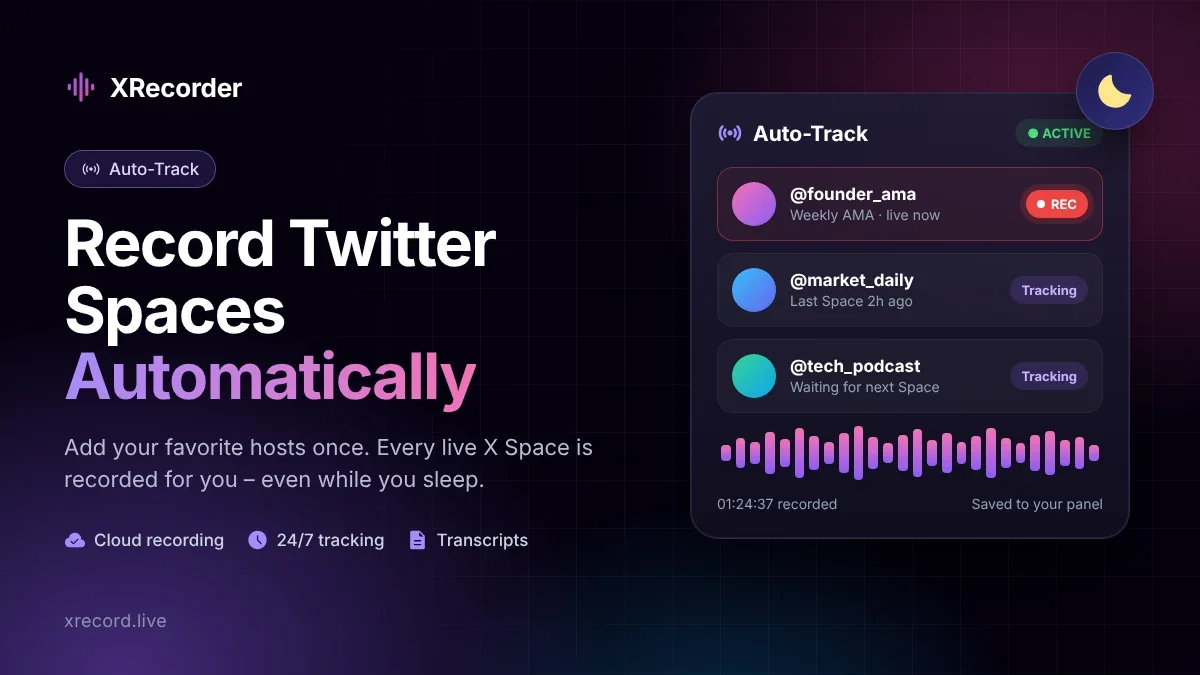
The workflow is intentionally boring, which is a compliment. You join a Space, start the capture, and let it run. When the session ends, the file is ready to download. No screen recording overhead, no video files to strip apart, no guessing whether the audio actually came through.
For people recording occasionally, credit packages make sense — you buy what you need and don't pay for idle months. For heavier users, it's a straightforward calculation of how many sessions you capture per month. You can look at the credit packages and pricing to see which side of that line you fall on.
To get started, all you need to do is create an account: sign up here. If you already have an account and need to log in again, there is a login page and a password recovery option available.
If something breaks mid-recording, or you're unsure whether your setup is right for a long session, it's worth reaching out before the big event rather than after. The XRecorder support and contact page exists exactly for that.
Common Mistakes People Make With Live Audio Capture
These come up constantly, and most of them are avoidable with a little foresight.
Starting the Recorder Too Late
The best part of a Space is often the opening five minutes, when the host sets context and the first speakers frame the whole discussion. If you start capturing at minute twelve, you've lost the foundation. Start early, trim later.
Assuming the Recording Saved When It Didn't
Always verify. Glance at the file size, play the first few seconds, confirm it's not silent. A 200-byte file is not a recording. This one check prevents the worst-case scenario: discovering the problem after the Space is over and unrecoverable.
Recording Over a Weak Connection
If your connection is unstable, the stream itself may be choppy, and no recorder can fix audio that never arrived. When possible, record from a stable network. Mobile data in a moving car is not a stable network.
Forgetting the Human Side
People speak differently when they know they're being recorded, and that's their right. If a speaker asks not to be recorded, respect it — even if the law allows otherwise. Reputation compounds, and being known as the person who ignores requests is a bad long-term position.
Never Doing Anything With the Files
This is the quietest failure. You accumulate hours of audio and never transcribe, clip, or reference any of it. At that point you're not archiving, you're hoarding. Set a rule: every recording gets reviewed within a week, and either turned into something or deleted.
Privacy, Consent, and the Legal Gray Zone
Laws vary widely. Some regions require all-party consent for recording conversations; others only require one party — and if you're in the Space, you might be that party. Public-facing content is often treated differently from private communication, but the boundaries aren't always crisp.
The safest approach combines two things: know your local rules, and default to asking when the situation isn't clearly public. A short message to the host before a session — "mind if I record this for my own notes?" — takes ten seconds and eliminates most of the risk.
Never publish a recording as a way to harm someone. That's the line that turns a legitimate archival practice into something else entirely, and it's the line that gets people in real trouble.
Building a Listening Habit That Actually Pays Off
Most people install a recorder, use it twice, and forget about it. The ones who get real value treat it as part of a routine rather than an emergency tool.
Pick the Spaces you actually care about — two or three a week, not everything. Record them consistently. Set aside twenty minutes on a Friday to review what you captured, pull out one useful thing from each, and file the rest. Over a few months, that's a small but genuinely valuable personal library of conversations that nobody else has.
That's the real advantage of a twitter live recorder. Not the file itself, but what the file lets you do later: quote accurately, build on ideas, remember what mattered, and stop losing good conversations to the simple fact that they ended. The audio was always worth keeping — the tool just makes keeping it realistic.